Getting started
How to set up a Google Drive automation in monday.com
Find DriveSync in your board’s Integrate area, choose an automation for your task, and connect the columns and Drive folder it needs.
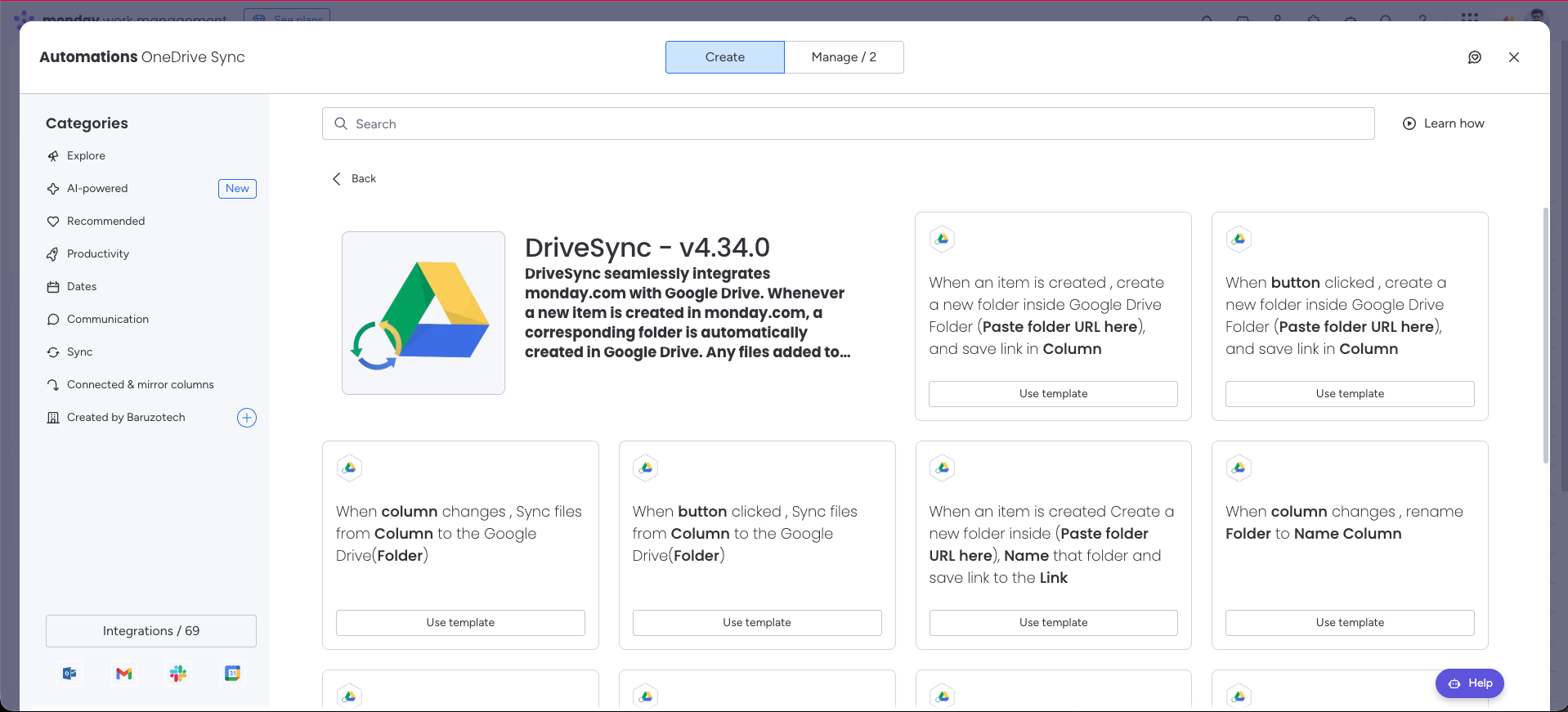
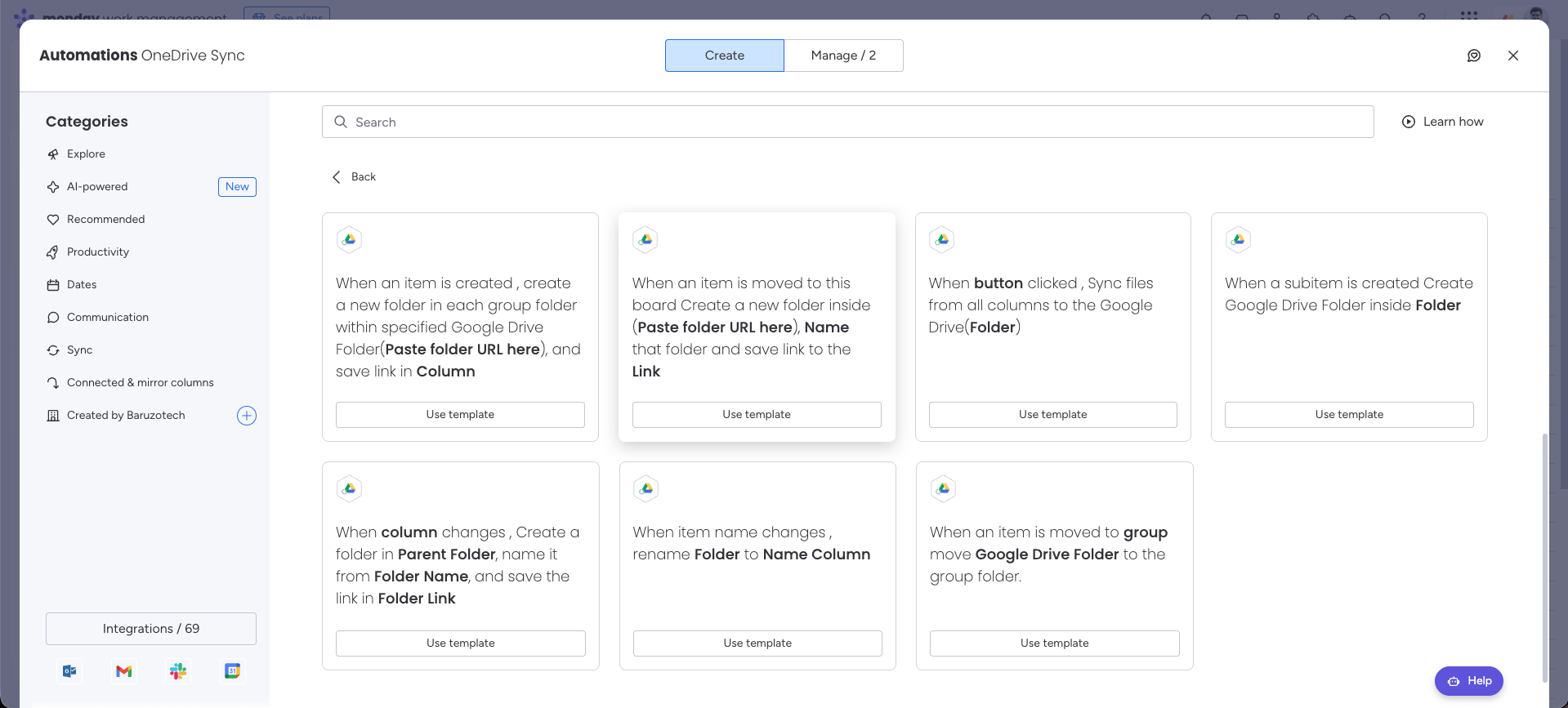
%0A%0A%23%23%20Folder%20creation%20and%20syncing%0A%0A!%5BDriveSync%20templates%20for%20item%20creation%2C%20button%20triggers%2C%20file%20syncing%2C%20custom%20naming%2C%20and%20folder%20renaming%5D(https%3A%2F%2Fdrivesync.baruzotech.com%2Fdocs-assets%2Fimages%2Fautomation-templates.png)%0A%0A%23%23%20Groups%20and%20advanced%20workflows%0A%0A!%5BDriveSync%20templates%20for%20groups%2C%20board%20moves%2C%20all-column%20sync%2C%20subitems%2C%20parent%20folders%2C%20and%20renaming%5D(https%3A%2F%2Fdrivesync.baruzotech.com%2Fdocs-assets%2Fimages%2Fautomation-templates-advanced.png)%0A%0ASupport%3A%20drivesync%40baruzotech.com) Ask ChatGPT
Ask ChatGPT%0A%0A%23%23%20Folder%20creation%20and%20syncing%0A%0A!%5BDriveSync%20templates%20for%20item%20creation%2C%20button%20triggers%2C%20file%20syncing%2C%20custom%20naming%2C%20and%20folder%20renaming%5D(https%3A%2F%2Fdrivesync.baruzotech.com%2Fdocs-assets%2Fimages%2Fautomation-templates.png)%0A%0A%23%23%20Groups%20and%20advanced%20workflows%0A%0A!%5BDriveSync%20templates%20for%20groups%2C%20board%20moves%2C%20all-column%20sync%2C%20subitems%2C%20parent%20folders%2C%20and%20renaming%5D(https%3A%2F%2Fdrivesync.baruzotech.com%2Fdocs-assets%2Fimages%2Fautomation-templates-advanced.png)%0A%0ASupport%3A%20drivesync%40baruzotech.com) Ask Claude
Ask ClaudeStart with a ready-made workflow#
Choose the template that matches the event you want to respond to. Configure its fields using your own board columns and Drive folders. Each reference below explains the trigger, inputs, and a test to run.
Folder creation and syncing#
Groups and advanced workflows#
Need a hand with your setup?Contact support